Introduction
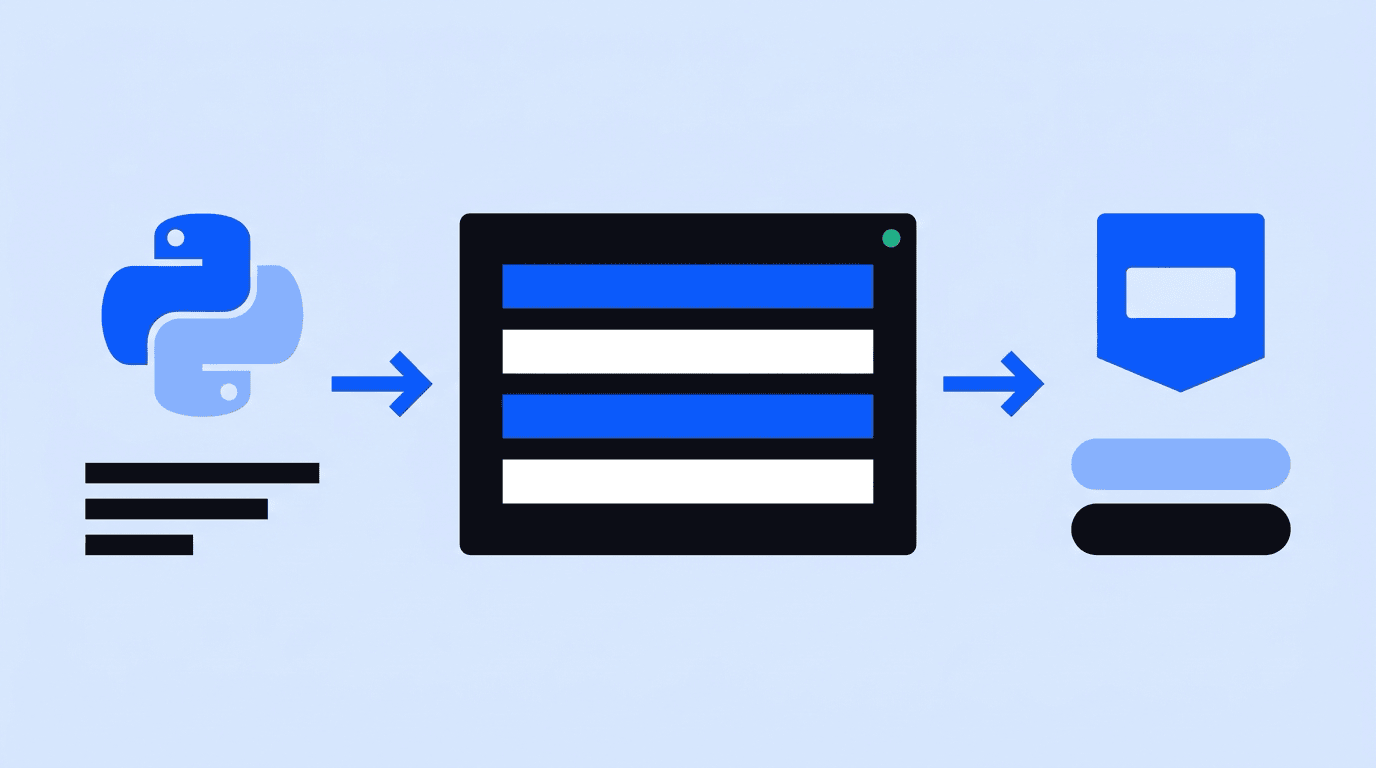
To look up a Brazilian CPF (Brazil's individual taxpayer registry number) from Python, send a GET request to https://api.cpfhub.io/cpf/{cpf} with your API key in the x-api-key header. The response is JSON with the holder's name, gender and date of birth. A CPF that does not exist returns 404 and does not use a credit.
The rest of this guide turns that one request into production code: a timeout on every call, the key read from an environment variable, clear handling of each error code and a small FastAPI route your frontend can call.
What you need
- Python 3.10 or newer.
- The
requestslibrary (pip install requests). - A CPFHub.io API key. The free plan gives 50 credits with no credit card, enough to test everything below.
Store the key in an environment variable named CPFHUB_API_KEY. Python reads it through os.environ, so the key never lands in your repository:
export CPFHUB_API_KEY="YOUR_API_KEY"
The basic request
import os
import requests

API_URL = "https://api.cpfhub.io/cpf/{cpf}"

response = requests.get(
    API_URL.format(cpf="00000000000"),
    headers={
        "x-api-key": os.environ["CPFHUB_API_KEY"],
        "Accept": "application/json",
    },
    timeout=10,
)
print(response.status_code, response.json())
The timeout argument matters. By default requests waits forever for a response, and the requests documentation recommends setting a timeout on nearly all production code. A hung request inside a signup handler blocks a worker and the user behind it.
A successful response looks like this:
{
  "success": true,
  "data": {
    "cpf": "00000000000",
    "name": "Fulano de Tal",
    "nameUpper": "FULANO DE TAL",
    "gender": "M",
    "birthDate": "15/06/1990",
    "day": 15,
    "month": 6,
    "year": 1990
  }
}
Note the date format: birthDate is DD/MM/YYYY, the Brazilian order. The separate day, month and year integers save you from parsing it.
Handling every response code
The API answers with standard HTTP codes. Each one calls for a different action in your code:
| HTTP | Meaning | What to do |
|---|---|---|
| 200 | CPF found | Use data |
| 400 | Not 11 digits | Ask the user to fix the input |
| 401 | Missing or invalid API key | Check your configuration |
| 403 | No credits left, or account blocked | Alert your team, stop retrying |
| 404 | CPF not found (no credit used) | Treat as a failed verification |
| 422 | Check digit is wrong | Ask the user to fix the input |
| 429 | Per-minute limit reached | Wait for Retry-After, then retry |
| 503 | Temporary failure (no credit used) | Retry later |
Error bodies come in two shapes: error can be a string or an object with a message field. A small helper that accepts both keeps your logs readable. The full list is in the error codes reference.
Here is a client that puts it together:
import os
import time
import requests

API_URL = "https://api.cpfhub.io/cpf/{cpf}"


class CpfLookupError(Exception):
    pass


def _error_message(response: requests.Response) -> str:
    try:
        error = response.json().get("error")
    except ValueError:
        return response.text
    if isinstance(error, dict):
        return error.get("message", "")
    return str(error)


def lookup_cpf(cpf: str, session: requests.Session | None = None) -> dict | None:
    """Return the CPF data, or None when the CPF is not found."""
    http = session or requests.Session()
    digits = "".join(ch for ch in cpf if ch.isdigit())

    for attempt in range(2):
        response = http.get(
            API_URL.format(cpf=digits),
            headers={
                "x-api-key": os.environ["CPFHUB_API_KEY"],
                "Accept": "application/json",
            },
            timeout=10,
        )
        if response.status_code == 200:
            return response.json()["data"]
        if response.status_code == 404:
            return None  # not found: no credit used
        if response.status_code == 429 and attempt == 0:
            time.sleep(int(response.headers.get("Retry-After", "5")))
            continue
        raise CpfLookupError(f"{response.status_code}: {_error_message(response)}")

    raise CpfLookupError("rate limited twice in a row")
Reuse one requests.Session across calls so the HTTPS connection stays open. The single retry on 429 is deliberate: if you are still over the limit after waiting, queue the work instead of hammering the API.
Comparing the result with your form
A lookup only helps if you compare it with what the user typed. Brazilian names carry accents and long middle names, so normalize before comparing:
import unicodedata


def normalize(name: str) -> str:
    text = unicodedata.normalize("NFKD", name)
    text = "".join(ch for ch in text if not unicodedata.combining(ch))
    return " ".join(text.upper().split())


def matches(form_name: str, form_birth_date: str, data: dict) -> bool:
    same_name = normalize(form_name) == normalize(data["nameUpper"])
    same_birth = form_birth_date == data["birthDate"]  # DD/MM/YYYY
    return same_name and same_birth
An exact match is the strictest rule. Many teams accept a match on first and last name plus an exact date of birth, and send the rest to manual review. A wrong date of birth on a real CPF is one of the clearest fraud signals you will see.
Exposing it to your frontend with FastAPI
Never call the API from browser JavaScript: anyone could read the key from the page. Your frontend calls your own route, and the route calls CPFHub.io from the server:
from fastapi import FastAPI, HTTPException
from pydantic import BaseModel

app = FastAPI()


class VerifyRequest(BaseModel):
    cpf: str
    name: str
    birth_date: str  # DD/MM/YYYY


@app.post("/api/verify-cpf")
def verify_cpf(body: VerifyRequest):
    try:
        data = lookup_cpf(body.cpf)
    except CpfLookupError:
        raise HTTPException(status_code=502, detail="Verification unavailable")
    if data is None:
        return {"verified": False, "reason": "not_found"}
    return {"verified": matches(body.name, body.birth_date, data)}
The route returns only a yes or no to the browser. The holder's data stays on your server, which is also what the LGPD (Brazil's data protection law, Law 13,709/2018) principle of necessity points to: collect and expose only what the purpose requires.
If your stack is async, the same logic works with httpx, which also supports explicit timeouts.
Frequently asked questions
Does a CPF that is not found use a credit?
No. The API returns 404 and no credit is used. Invalid input (400 or 422), rate limiting (429) and temporary failures (503) do not use credits either.
Can I send the API key as a Bearer token?
No. The API reads the key from the x-api-key header (or the api_key query parameter). An Authorization: Bearer header is ignored, and the request returns 401.
How do I check the CPF registration status from Python?
The Simple Lookup returns name, gender and date of birth only. Registration status, year of death and the Receita Federal proof come from the Real-Time Lookup, a POST to /cpf/realtime with the CPF and date of birth. Use a timeout of about 60 seconds for that call.
How do I look up many CPFs from Python?
Use the batch endpoint instead of a loop: it accepts up to 10,000 CPFs per request and runs asynchronously. See bulk CPF lookup and the batch reference.
Read also
- How to Use a CPF Lookup API in Node.js
- How to Verify a Brazilian CPF Number
- Brazil Identity Verification API: What Data You Can Get from a CPF
- LGPD for Foreign Companies Processing Brazilian Personal Data
Conclusion
A production CPF lookup in Python is a GET request with a timeout, a key from the environment, a branch for each status code and a name comparison that tolerates accents. Put it behind your own route, and the browser never sees the key or the holder's data.
Create a key with 50 free credits and no credit card at cpfhub.io, then follow the getting started guide and the CPF reference.
CPFHub.io
Ready to integrate the API?
50 free credits to test now. No credit card. Instant access to the documentation.